

hep.punjab.gov.pk/cti/login- CTI Jobs 2025 Online Login Portal
The Punjab Higher Education Department (HED) has announced College Teaching Interns (CTI) Jobs 2025 for thousands of young graduates in government colleges of Punjab. To make the hiring process smooth and fair, HED has introduced a special online portal system.
After completing the registration step, the most important stage is login to the CTI portal. Without login, candidates cannot apply for posts, upload their academic records, or see the merit lists. This guide will explain everything about the CTI Jobs 2025 Online Login Portal, including the step-by-step login process, benefits, common issues, and solutions. Check CTI Jobs Registration process here.
Why Login is Important?
Logging into the CTI portal is not just a small formality. It is the main key to access your profile. Once you log in, you can:
- Build and update your personal profile.
- Upload degrees, CNIC, and other documents.
- Apply for your subject and desired college.
- Check available seats in different colleges.
- View merit lists and interview schedules.
- Download call letters for interviews.
- Track your application status.
So, the login process connects you directly to the whole CTI recruitment system.
CTI Portal Login Requirements
Before starting the login process, make sure you have these details ready:
- CNIC Number – Your 13-digit Computerized National Identity Card.
- Password – The one you created during online registration.
- Captcha Code – A small security code shown on the login page.
With these three things, you can easily log in and access your account.
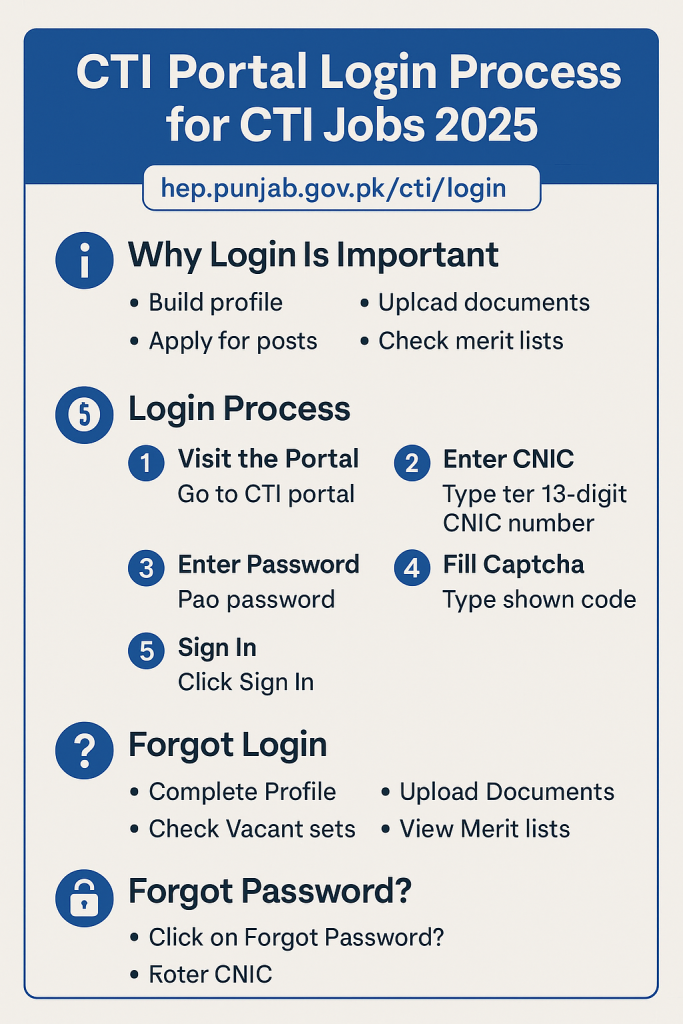
Step-by-Step CTI Portal Login Process
Here is a simple guide to login into the CTI portal for 2025:
Step 1: Visit the Portal
- Open your browser and go to hep.punjab.gov.pk/cti/login.
- On the homepage, click the Login button.
Step 2: Enter CNIC
- Type your 13-digit CNIC number in the given box.
- Example: 35202-1234567-8
- Only the CNIC used in registration will work.
Step 3: Enter Password
- Enter the password you made during registration.
- Passwords are case-sensitive. Make sure to use correct capital and small letters.
Step 4: Fill Captcha
- You will see a small captcha code.
- Type the code exactly as shown.
- This step proves that you are a real user.
Step 5: Sign In
- Click on the Sign In button.
- If details are correct, you will be redirected to your personal dashboard.
What You Can Do After Login?
Once you successfully log in, your candidate dashboard will open. From here, you can manage your whole application.
1. Complete Your Profile
Fill in your basic details such as name, father’s name, address, qualifications, and subject preference.
2. Upload Documents
Upload scanned copies of your degrees, transcripts, CNIC, and certificates.
3. Check Available Seats
View the vacant CTI posts for different subjects and colleges across Punjab.
4. Apply for Posts
Choose your subject and college, and submit your application online.
5. View Merit Lists
Check tentative and final merit lists to see if you are shortlisted.
6. Download Interview Call Letters
If selected, download and print your interview call letter directly from the portal.
7. Stay Updated
All official announcements and important updates will be displayed in your account.
How to Recover CTI Portal Password
Many candidates forget their password. For this reason, the CTI portal has a Forgot Password feature.
Here’s how you can reset it:
- Click on Forgot Password? on the login page.
- Enter your CNIC number.
- Follow instructions sent to your registered phone or email.
- Create a new password and confirm it.
- Use the new password to log in again.
💡 Tip: Always keep your password safe but easy to remember.
Common Login Problems and Quick Fixes
Here are some common problems candidates face during login and their solutions:
- Wrong CNIC – Always use the same CNIC that you used in registration.
- Incorrect Password – Check for spaces, spelling errors, or letter case. Use “Forgot Password” if needed.
- Captcha Not Showing – Refresh the page or captcha box to load a new code.
- Page Not Loading – Sometimes the portal slows down due to heavy traffic. Try again later or use Google Chrome.
Security Tips for CTI Portal Login
To keep your account safe, follow these simple tips:
- Do not share your CNIC or password with anyone.
- Always log out after finishing, especially on shared devices.
- Avoid logging in using public Wi-Fi.
- Keep your phone and email active for recovery options.
Benefits of the Online Login System
The online login system has made the CTI recruitment process more transparent and easier for everyone.
- Time-Saving: No need to visit colleges for the first step.
- Fair Process: Every candidate gets equal access.
- Error-Free: Digital records reduce manual mistakes.
- 24/7 Access: Candidates can log in any time from anywhere.
Final Words
The CTI Login Process 2025 is an important step for all candidates applying for College Teaching Intern jobs in Punjab. With your CNIC, password, and captcha, you can easily log in and manage your profile.
From applying for posts to downloading interview letters, everything is available online. The Forgot Password option and login support make the system easy for everyone.
By launching this digital login system, the Punjab Higher Education Department has made the recruitment of CTIs more transparent, simple, and fair. Candidates are advised to check the portal regularly to stay updated about merit lists, interviews, and final results.
FAQs about CTI Portal Login 2025
Q1: What is the official link for CTI login?
The official link is hep.punjab.gov.pk/cti/login.
Q2: Can I log in with a different CNIC than registration?
No, only the CNIC used during registration will work.
Q3: What should I do if I forget my password?
Click on Forgot Password, enter your CNIC, and reset it using your email or phone number.
Q4: Which browser is best for login?
Google Chrome is recommended for smooth access.
Q5: Can I apply for more than one subject?
You can select your subject and college as per the options available after login.




Yes